Download all schematics as PDFs: /KiCad-Simulation-Examples/assets/downloads/schematics-pdf.zip Or take the full kit with you (PDF + KiCad schematic + README): /KiCad-Simulation-Examples/assets/downloads/schematics-kit.zip
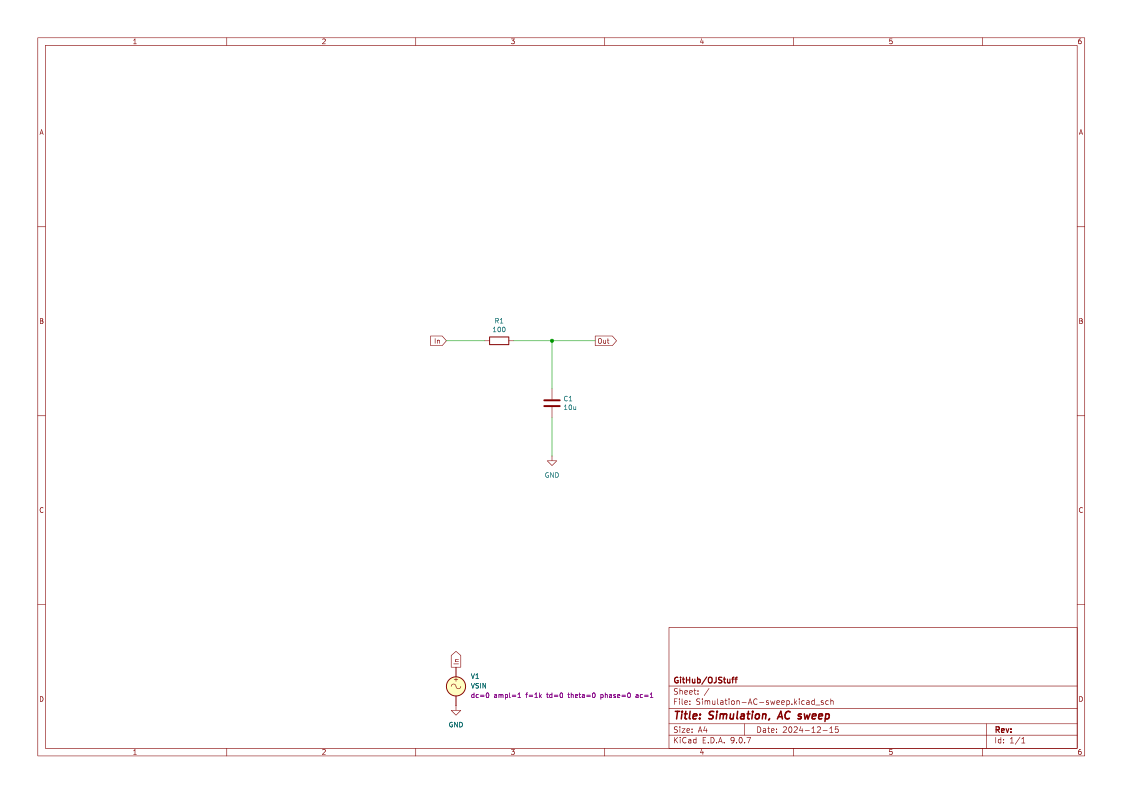
Demonstrates how to configure and run an AC sweep analysis.
Circuit Summary
A small-signal AC source drives a simple network for frequency response analysis.
Expected Behavior
- Magnitude and phase plots appear across the configured frequency range.
How To Run
- Open
Simulation-AC-sweep.kicad_schin KiCad. - Click
Simulateand run the configured analyses. - Add probes to the key nodes to view the expected behavior.
Notes
- Try logarithmic vs. linear sweeps for different views.